Home golf simulator setups, part by part
Garage, basement and spare-room builds from people who paid for the parts. Every setup lists the enclosure, launch monitor, projector, computer, mat and software, with the price paid, the yearly fees, and why each piece was chosen.
Free to read, no account needed. An account only to add yours.
Disclosure: Brett Martin runs Teed and builds StowGolf.
Setups
7 so far · as of October 2026Brett's Garage Sim, Fall 2026
Total listed $3,621 · 4 of 8 priced · $450 a year · 10 items
 @teed
@teed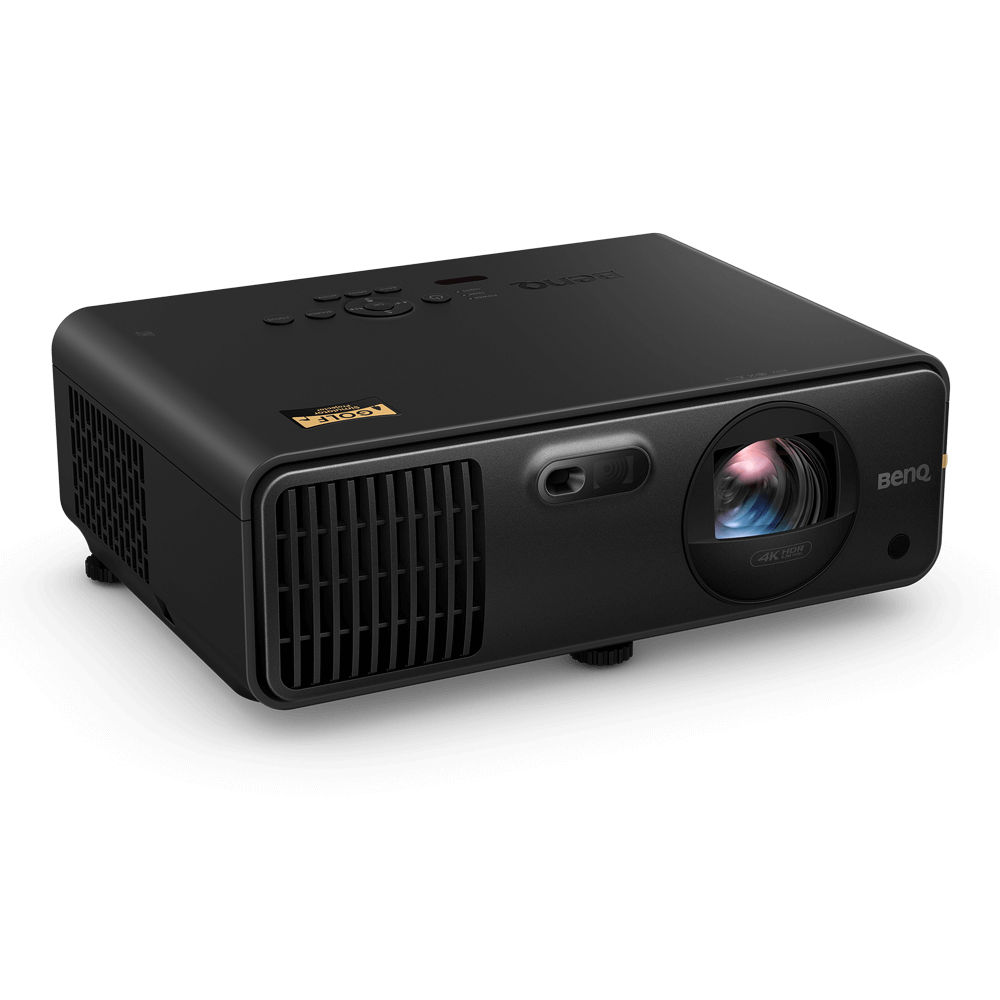
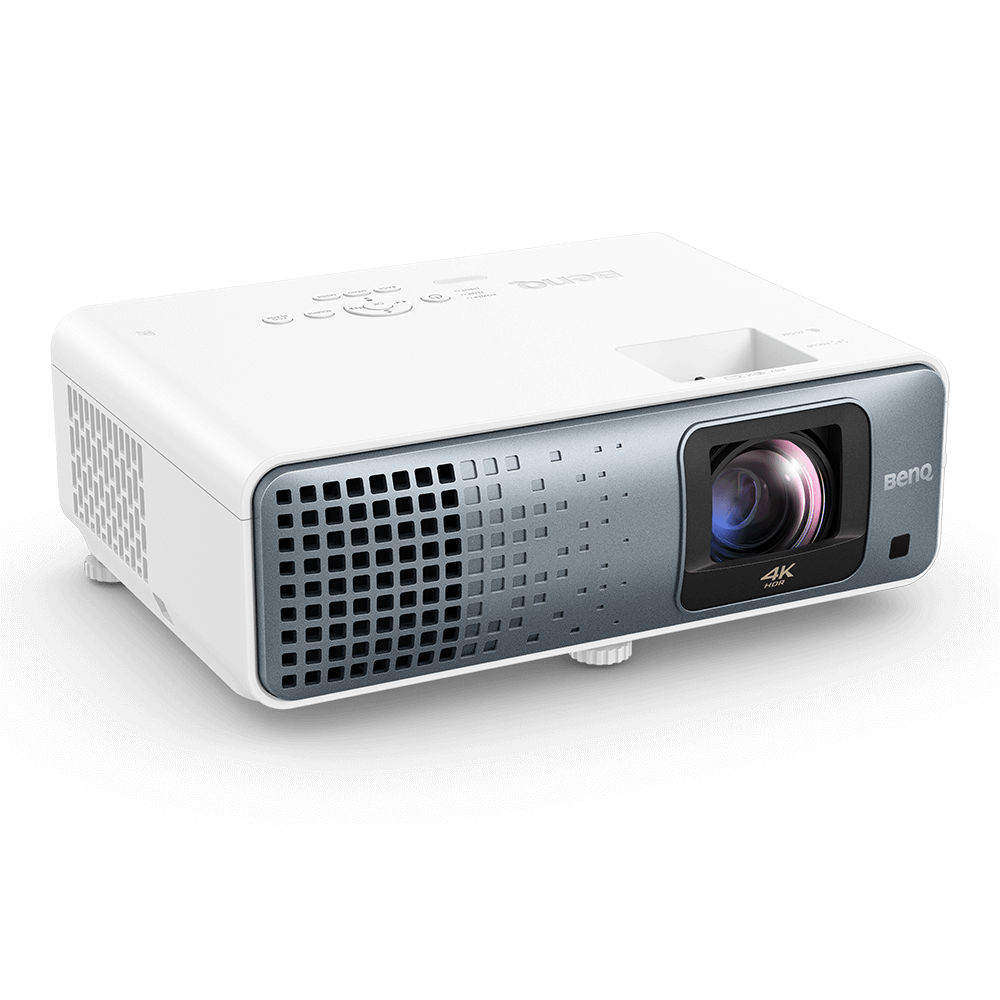
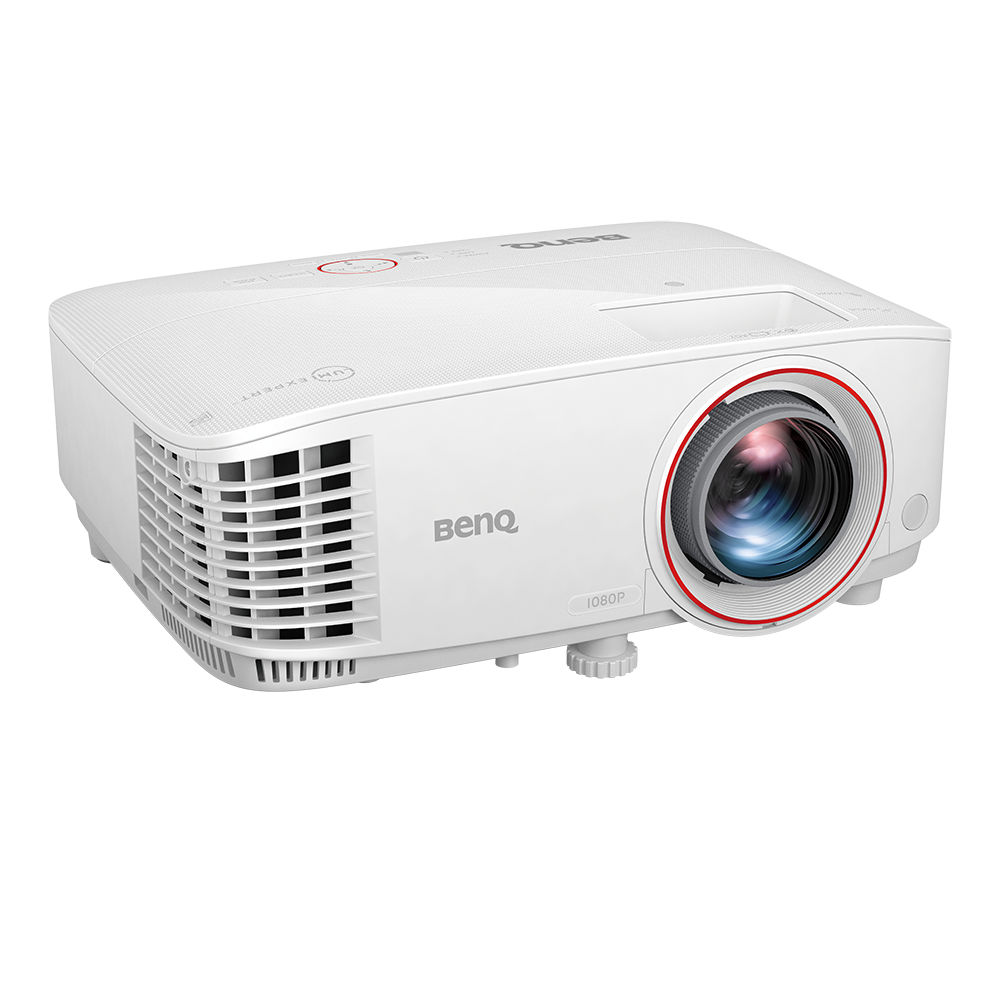
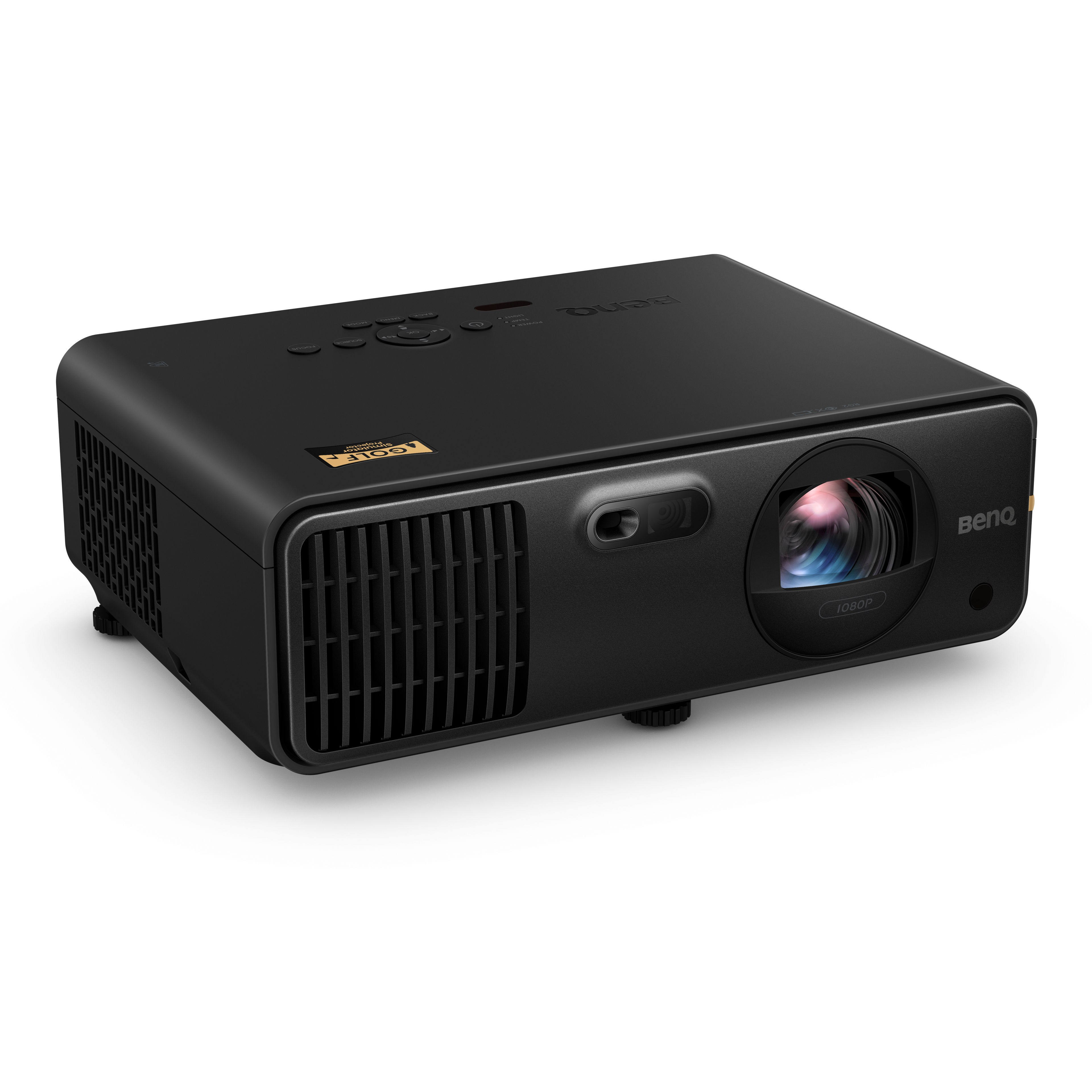
Projectors for a home sim, as people actually buy them
Total listed $32,833 · 16 of 17 priced · 17 items
@teed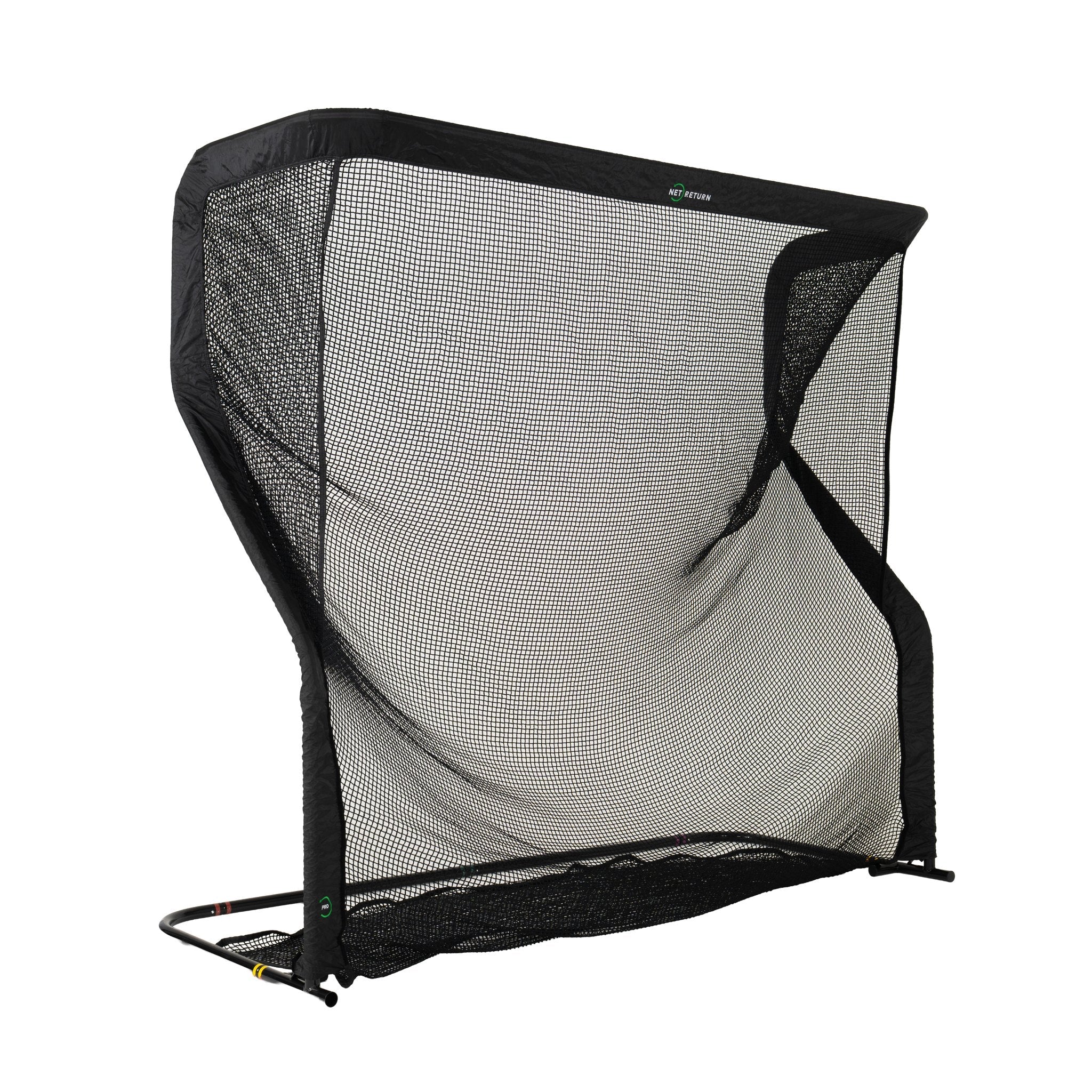

Enclosures for a home sim, as people actually buy them
Total listed $118,827 · 22 of 25 priced · 25 items
@teed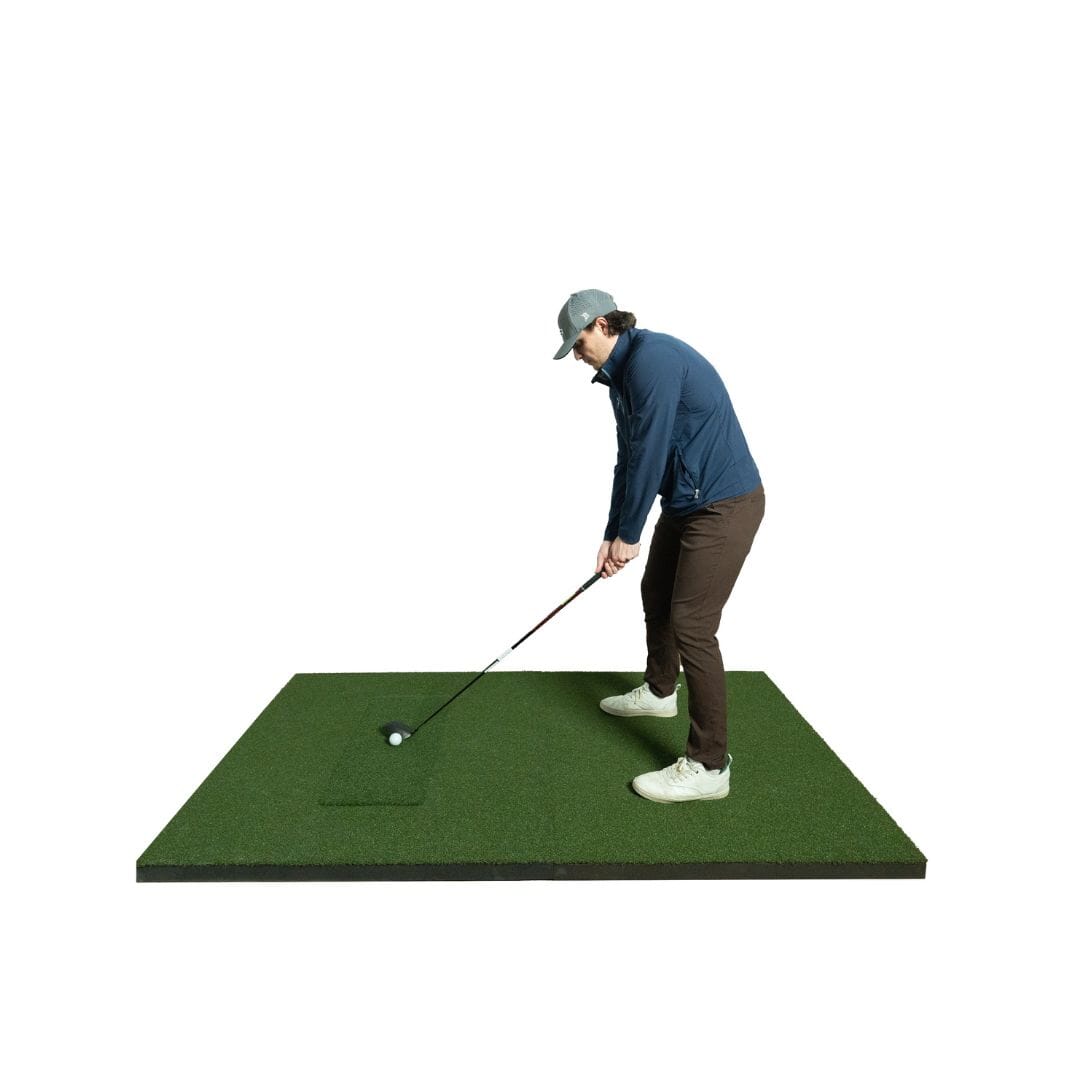
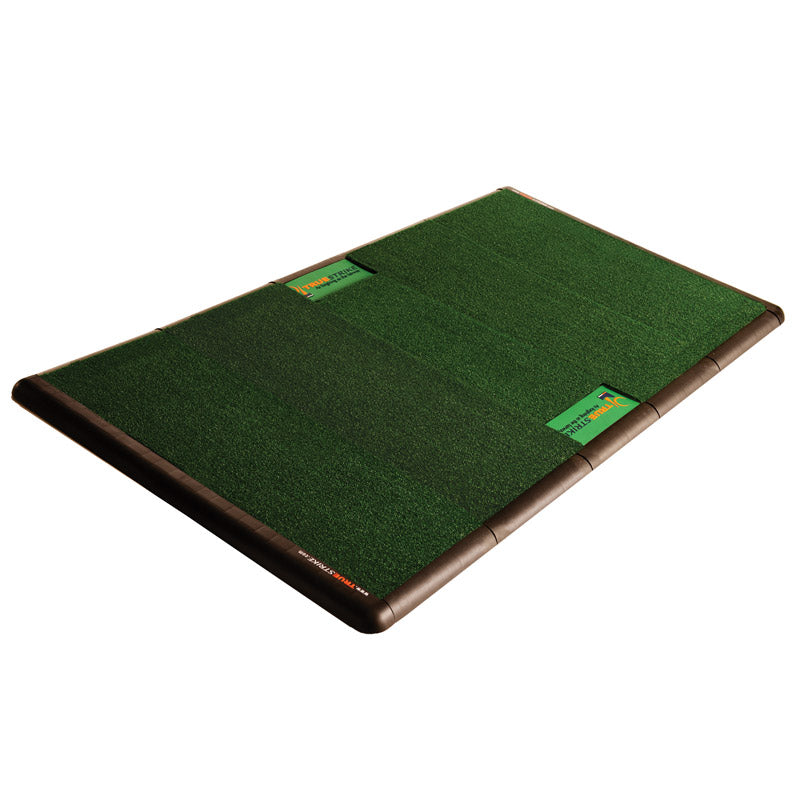

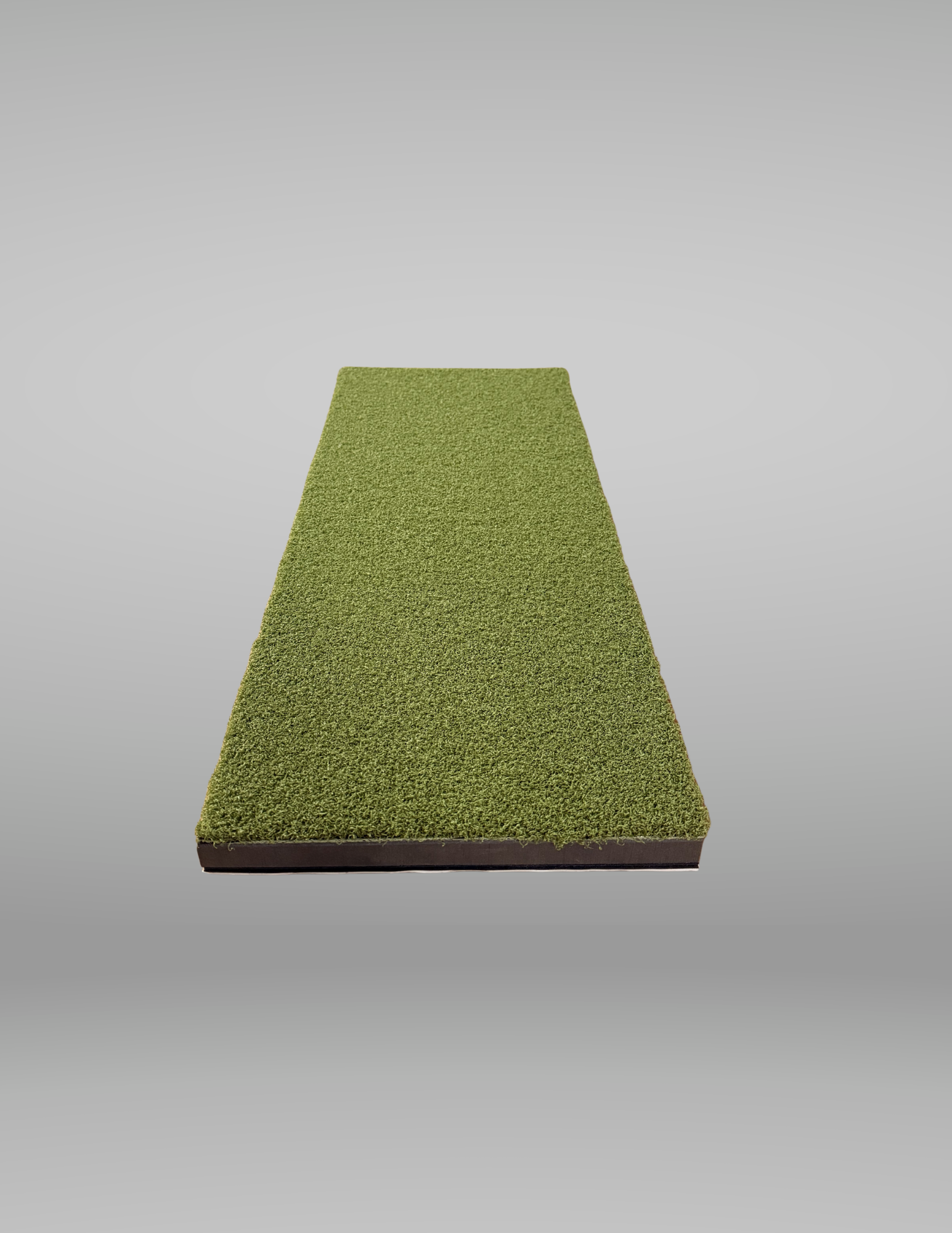
Hitting mats for a home sim, as people actually buy them
Total listed $7,403 · 14 of 14 priced · 14 items
@teed
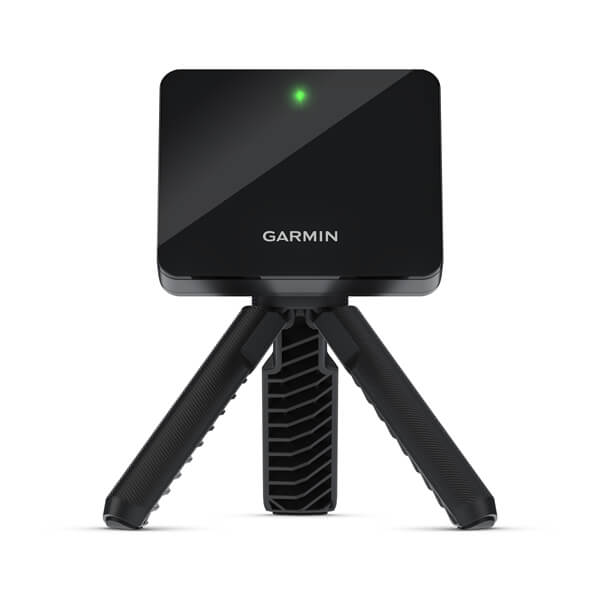
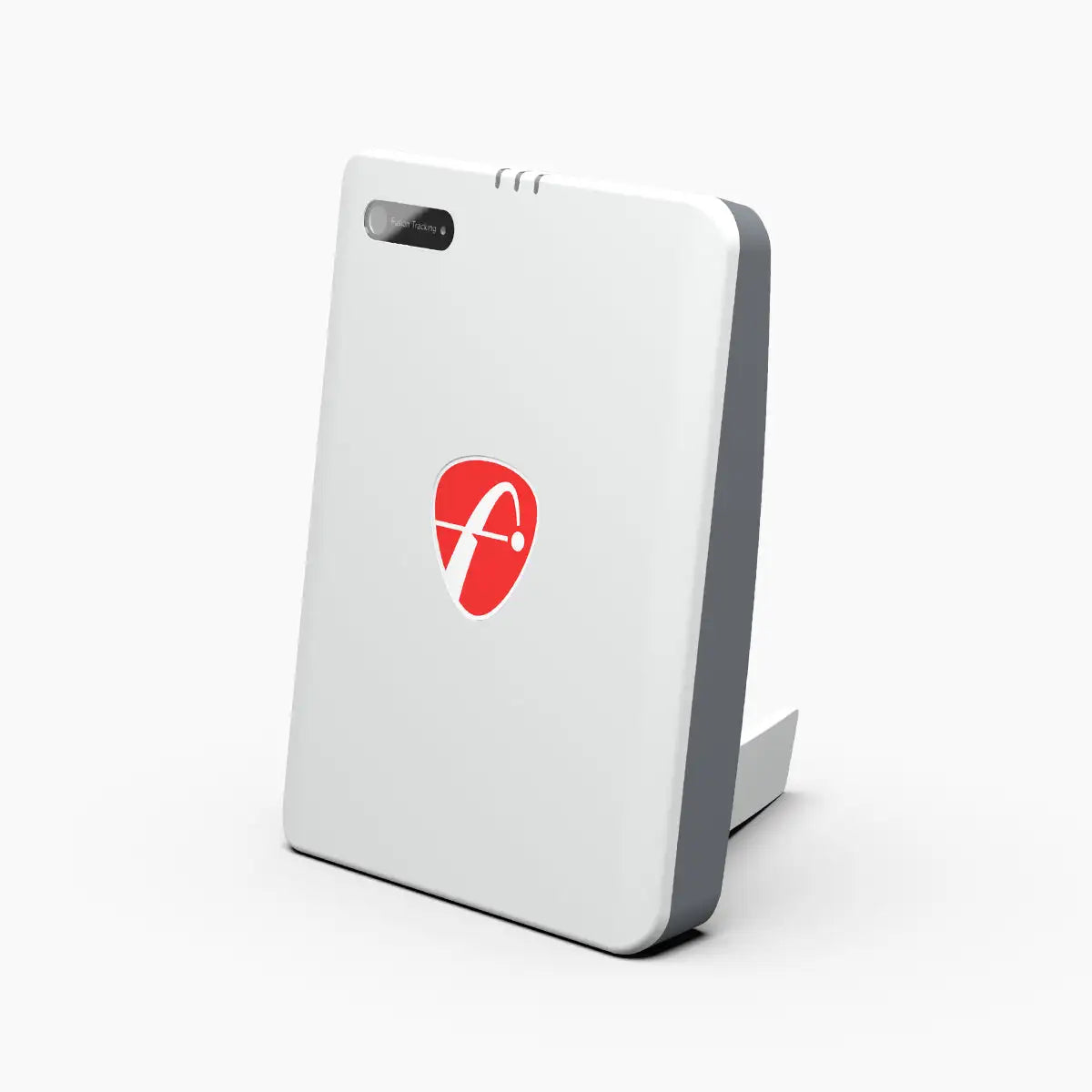
Launch monitors for a home sim, as people actually buy them
Total listed $78,220 · 21 of 21 priced · 21 items
@teed
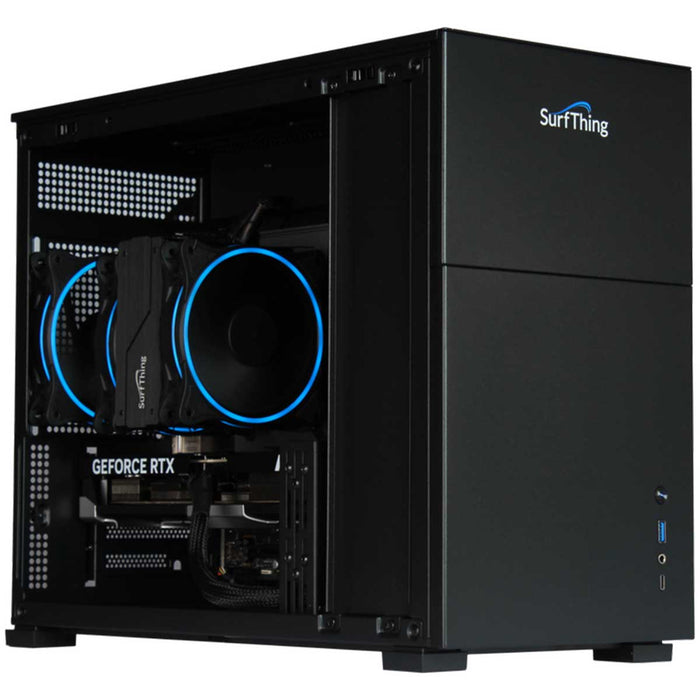
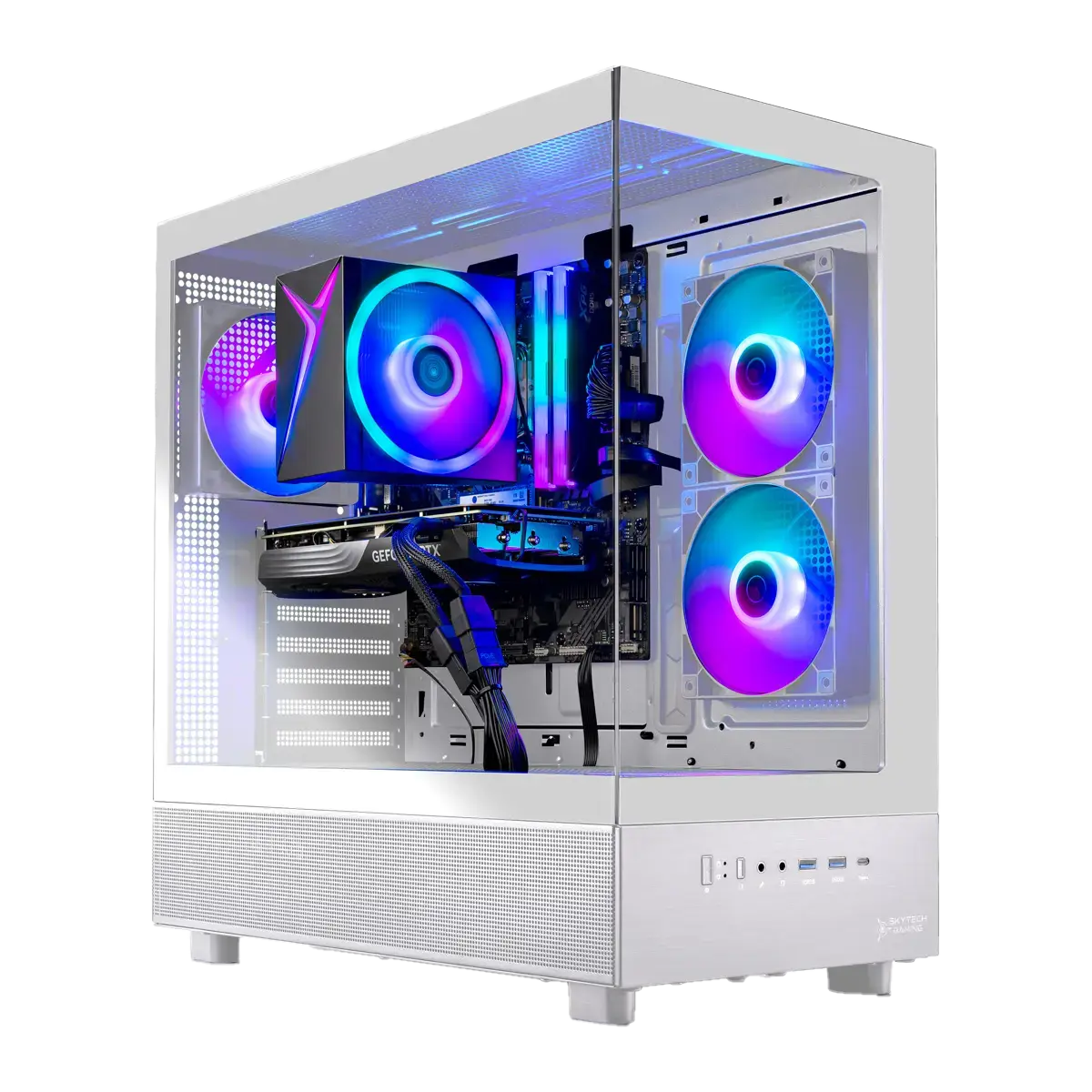
Computers that run a home sim, as people actually buy them
Total listed $16,211 · 13 of 21 priced · $410 a year · 23 items
@teed
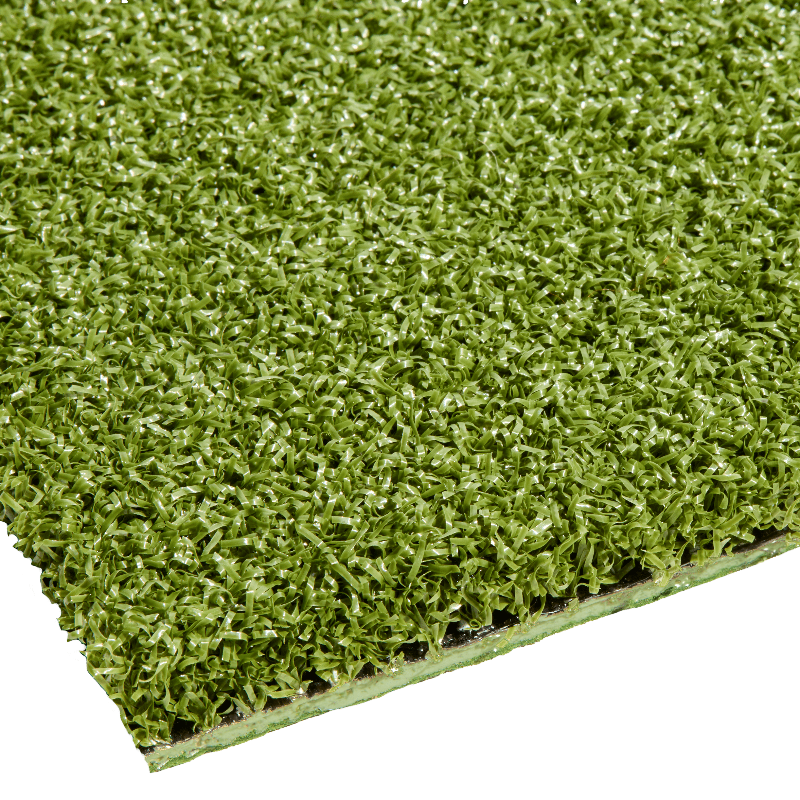
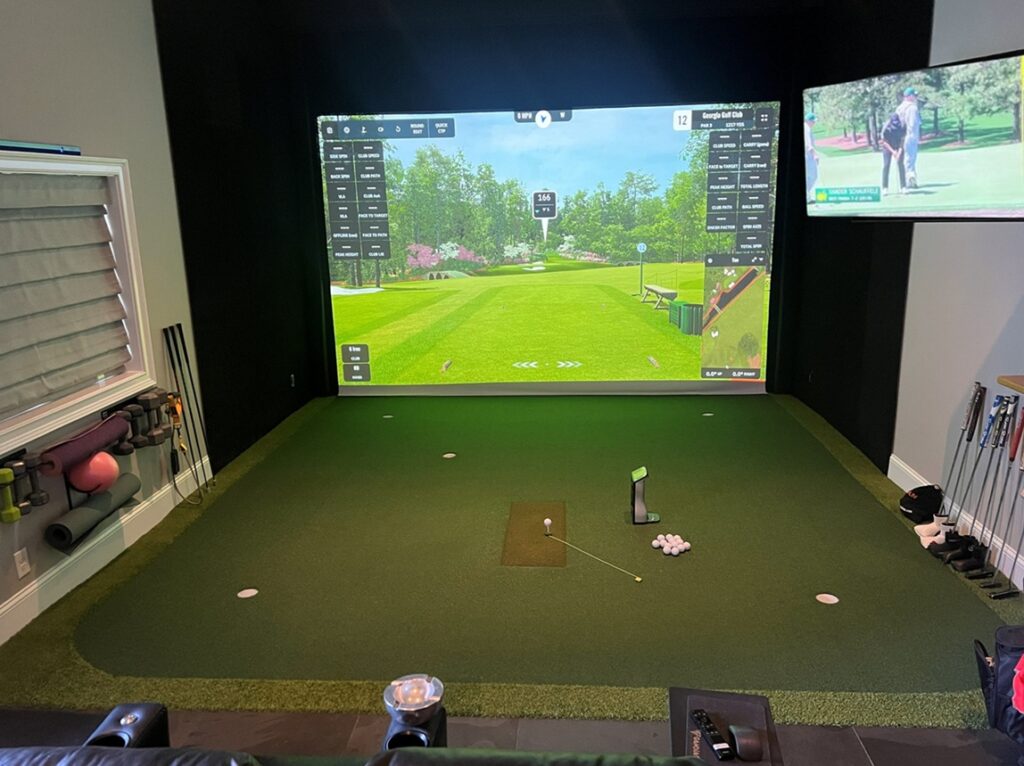
Turf for a home sim, as people actually buy it
Total listed $11,229 · 14 of 14 priced · 14 items
@teedComponents
one list per partWhat people actually buy for each part of a home sim, grouped by shape and price, with the list price, the date it was read and one thread worth reading. Not ranked.
Hitting mats
The mats that come up again and again in sim-build threads: full-stance and strip mats, tee-strip and fairway inserts, and the ones launch monitors read cleanly.
14 items · reference list
Turf
Landing turf, surround turf and putting turf by pile height, the rubber underlay people put beneath it, and the roll-versus-tile choice.
14 items · reference list
Projectors
Short-throw, ultra-short-throw and standard-throw projectors people mount in sim rooms, with off-centre mounting (lens shift and offset) called out because most rooms cannot put the projector on the centre line.
17 items · reference list
Computers
Gaming laptops, prebuilt desktops and mini PCs that people run GSPro, E6 and TGC on, the minimum specs each simulator publishes, and the no-PC path from a phone or tablet to a TV.
23 items · reference list
Launch monitors
Radar units that sit behind the ball, camera units that sit beside it, and overhead systems, grouped by price.
21 items · reference list
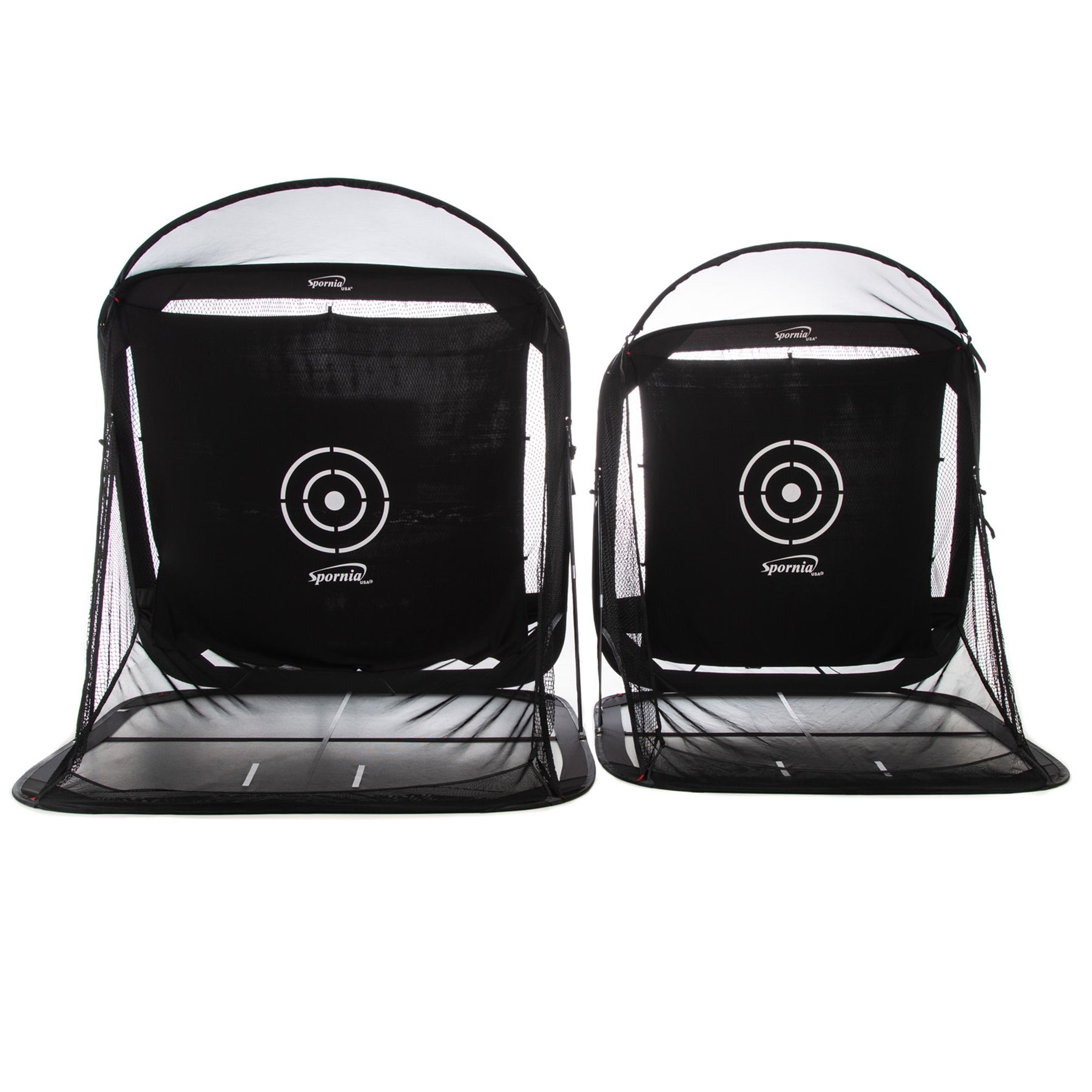
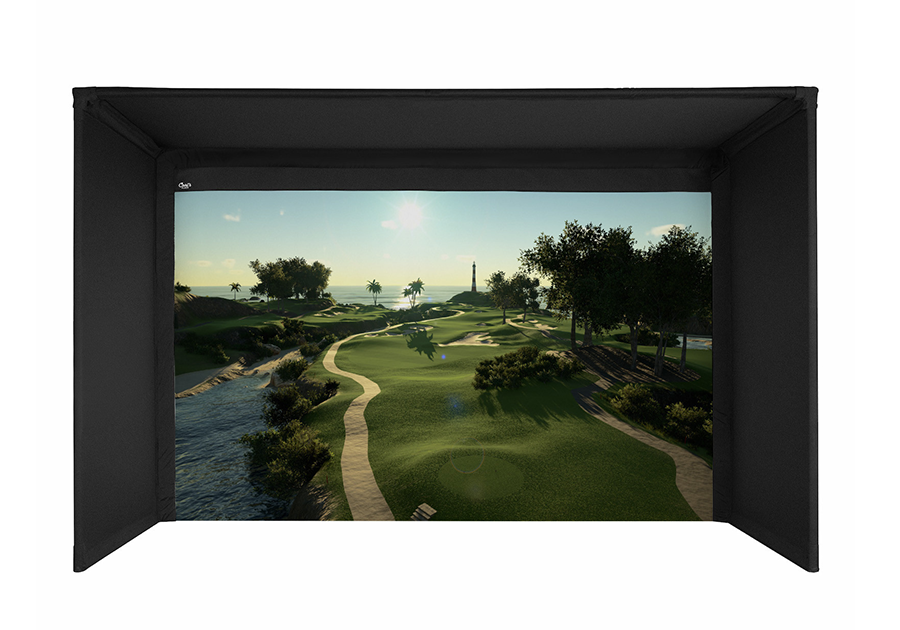
Enclosures
Net cages, freestanding fold-flat bays, fixed frames and kits, DIY pipe-and-drape builds and retractable roller screens, with a note on what a custom room build costs when a local builder does it.
25 items · reference list
What every setup here shows
- +One page per setup: every component, what it cost, and why the builder chose it.
- +Sections the way a build actually works: Enclosure & screen · Launch monitor · Projector · PC & software · Mat · Yearly fees · Extras.
- +The room as the builder measured it: width × depth × ceiling, driver OK, monitor type and the depth it forces.
Honest totals
Price paid per item plus the yearly software and launch-monitor fees most guides leave out.
Setup sections
Grouped the way you shop and the way you fail: enclosure and screen, launch monitor, projector, PC and software, mat, extras.
Why I chose it
One line per part in the builder's own words, not a retailer blurb.
Upgrade history
Swap a part and the earlier version stays on the record.
What most build guides leave out
- ·Every "complete sim" article hides the real total: the subscriptions, the PC, the mat, the screen.
- ·Forum builds are scattered across posts, photos and comment threads with no single parts list.
- ·You can't tell which launch monitor fits your room depth until it's already bought.
Questions
How much room does a home golf simulator actually need?
Width and ceiling are set by your swing: most people want about 10 ft of width and a 9 ft ceiling or more, though 8 ft builds exist. Depth is set by the launch monitor. Camera units that sit beside the ball fit in roughly 15 ft of total room; behind-the-ball radar units want 6.5 to 8.5 ft behind you plus the ball flight, so plan 18 ft or more. Every setup here carries a room-size tag and the monitor it was built around.
Do I need a gaming PC?
Only for PC software such as GSPro, which wants Windows and a capable graphics card. An older gaming laptop on wall power runs one bay fine. Several launch monitors run their own software on a phone or iPad, and some send the picture straight to a projector with no computer at all. Setups tagged no-pc show those builds.
What are the subscription costs nobody mentions?
This is the number most guides skip. Many launch monitors charge a yearly fee to talk to third-party software (Rapsodo Premium is $199.99 a year, for example), and the simulator software itself is usually yearly (GSPro is $250 a year). Setups here list software and subscriptions as their own items with the yearly cost.
Why is StowGolf in some of these setups, and is this an ad for it?
Disclosure: Brett Martin runs Teed and builds StowGolf. It shows up as an item in Brett's own garage build and in comparisons where a fold-flat enclosure is one of the options, with its price next to the DIY and off-the-shelf alternatives. Most setups in this library have nothing to do with it. If your build is here, you decide what's in it.
Will my setup disappear?
No. A setup from two years ago is as valid as one from today. Nothing here decays, gets buried, or expires because you stopped posting.
Golf Sim on the Blog
Hitting mats for a home golf simulator: what people actually buy
Full-stance mats, strips, insert systems and practice ovals: the fourteen mats that keep coming up in build threads, what the forums argue about, which strips fit a GC3 or a GCQuad, and the costs the spec sheets leave out.
18 min readGuideTurf for a home golf simulator: what people actually buy
Landing turf, putting turf, underlay and tiles: the floor products that keep coming up in build threads, what the forum argues about, how much a 10 by 15 ft bay needs, and the freight and underlay costs the spec sheets leave out.
15 min readGuideProjectors for a home golf simulator: throw distance, 4:3 screens and off-center mounting
The two lens families that run the home sim market, the throw math for a 10 ft bay, what lens shift and keystone actually do when the ceiling spot over the ball is taken, the 17 projectors that keep coming up in build threads, and the mounts, cables and lamps the spec sheets leave out.
20 min readAdd yours
It takes about twenty minutes. Your setup stays up as long as you want it, and it comes down on one message.
7 setups so far.